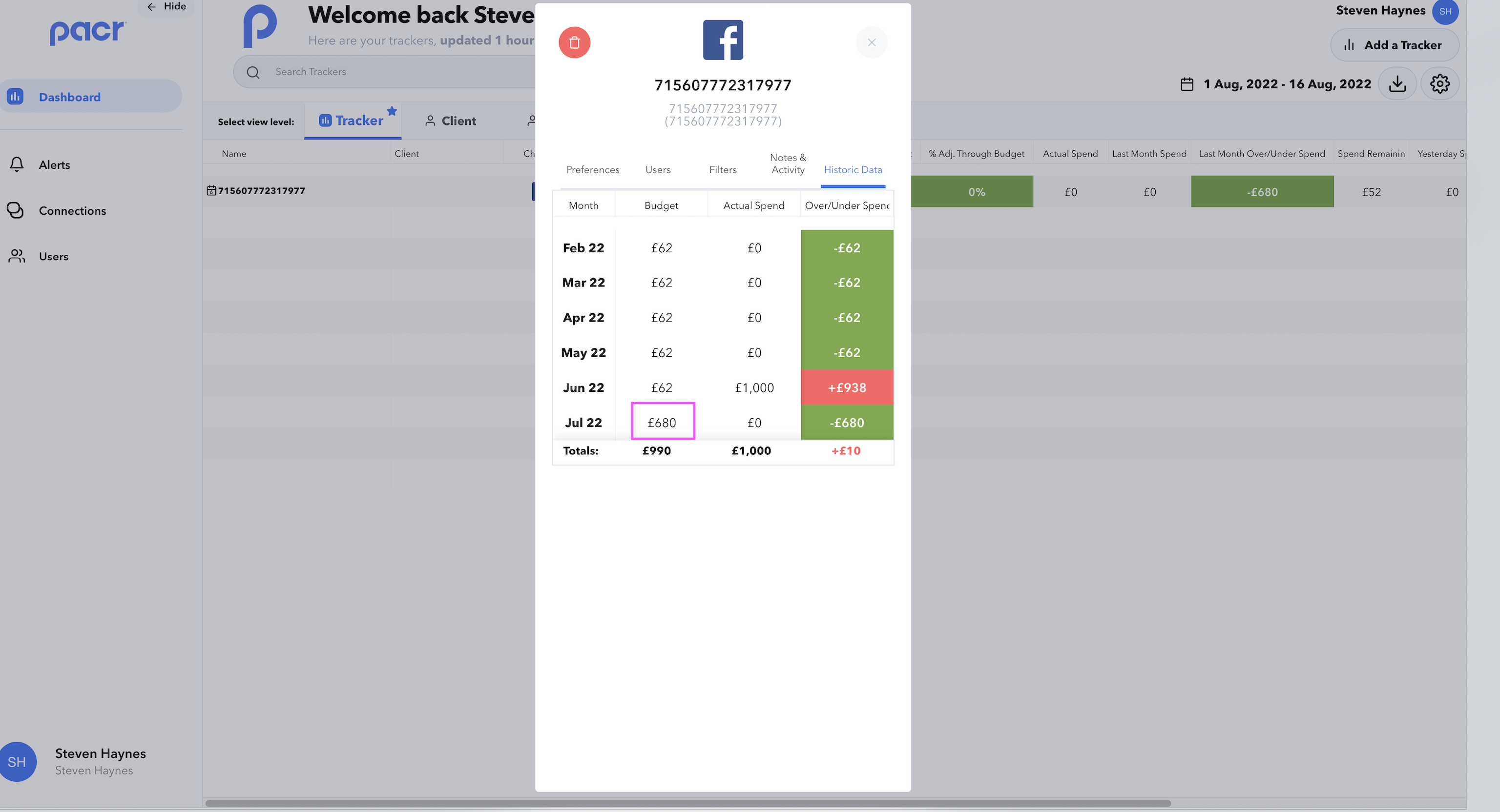
View the recent 6 month's historic data and budget spend for you trackers:
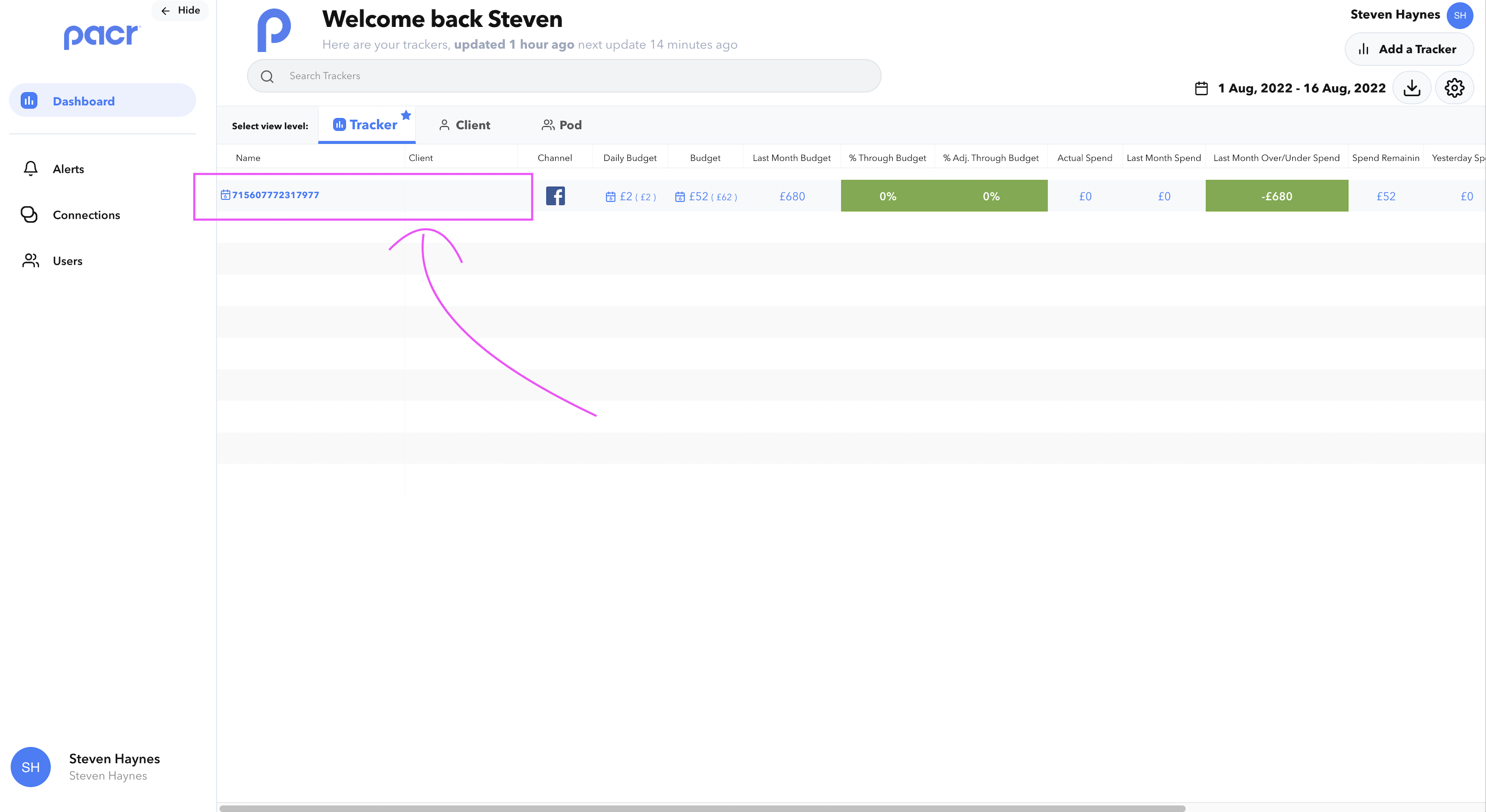
- Click on one of your Tracker(s) to open the "Manage Tracker" modal
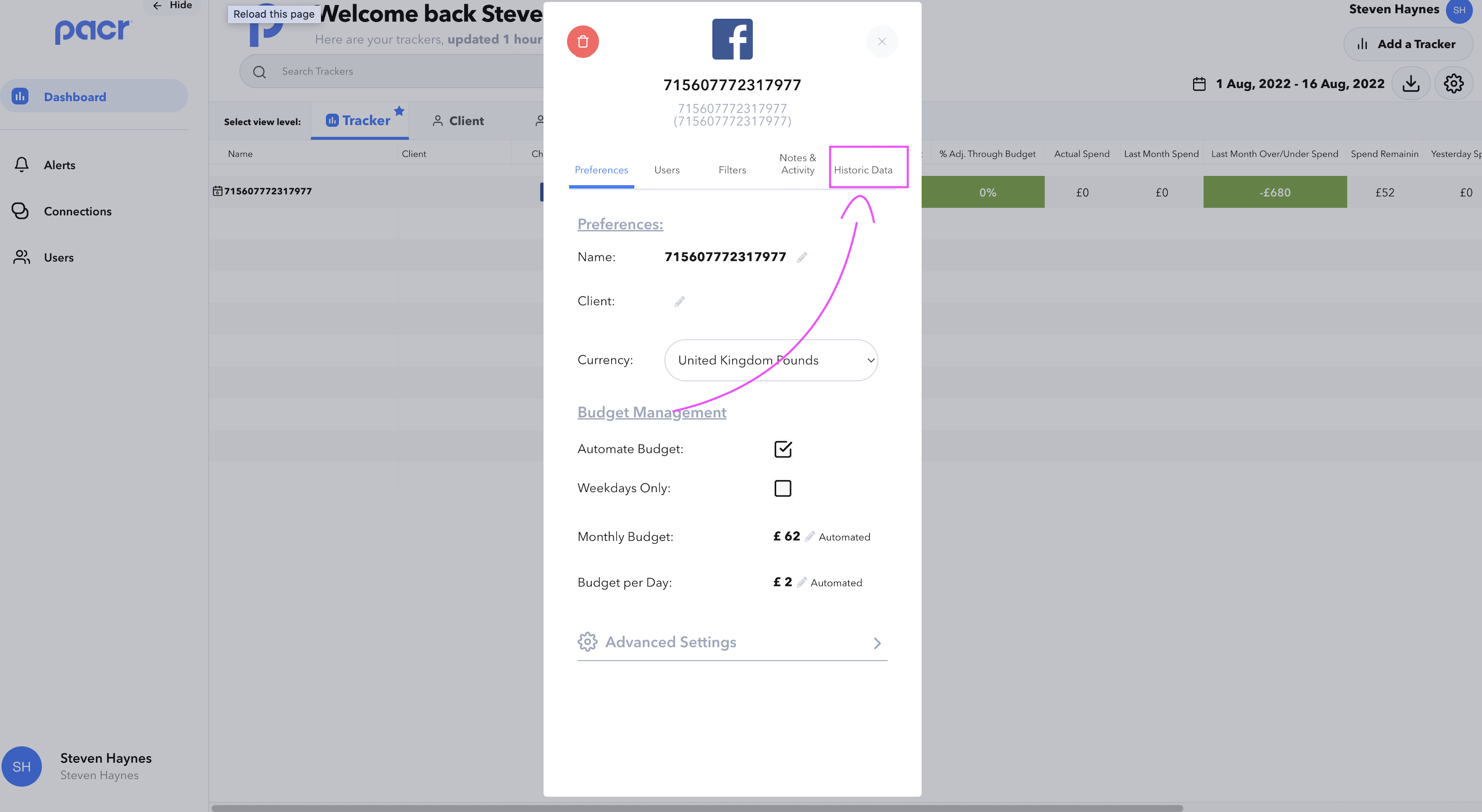
- Navigate to the "Historic Data" tab
NOTE:
- Edit Historic budgets by clicking on the appropriate budget, enable 'Last 6 Months adjusted over/under spend' from the "Preferences" tab to use this data to alter budgets & metrics in the main tracker view